

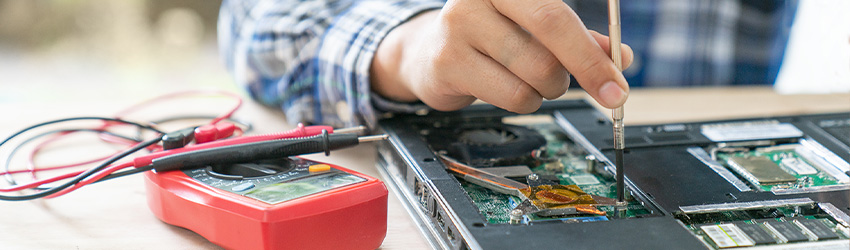
Technology Services provides support for mobile devices to enable secure communication and access to Stony Brook Medicine resources.
As part of our standardization and security strategy, only approved devices may access institutional systems and data.
Requesting a Phone:
If you need a smartphone device, you may follow this link to create a ticket: Request a Phone
Current Devices Provided:
The hospital currently provides these devices shown below.
iPhone 16
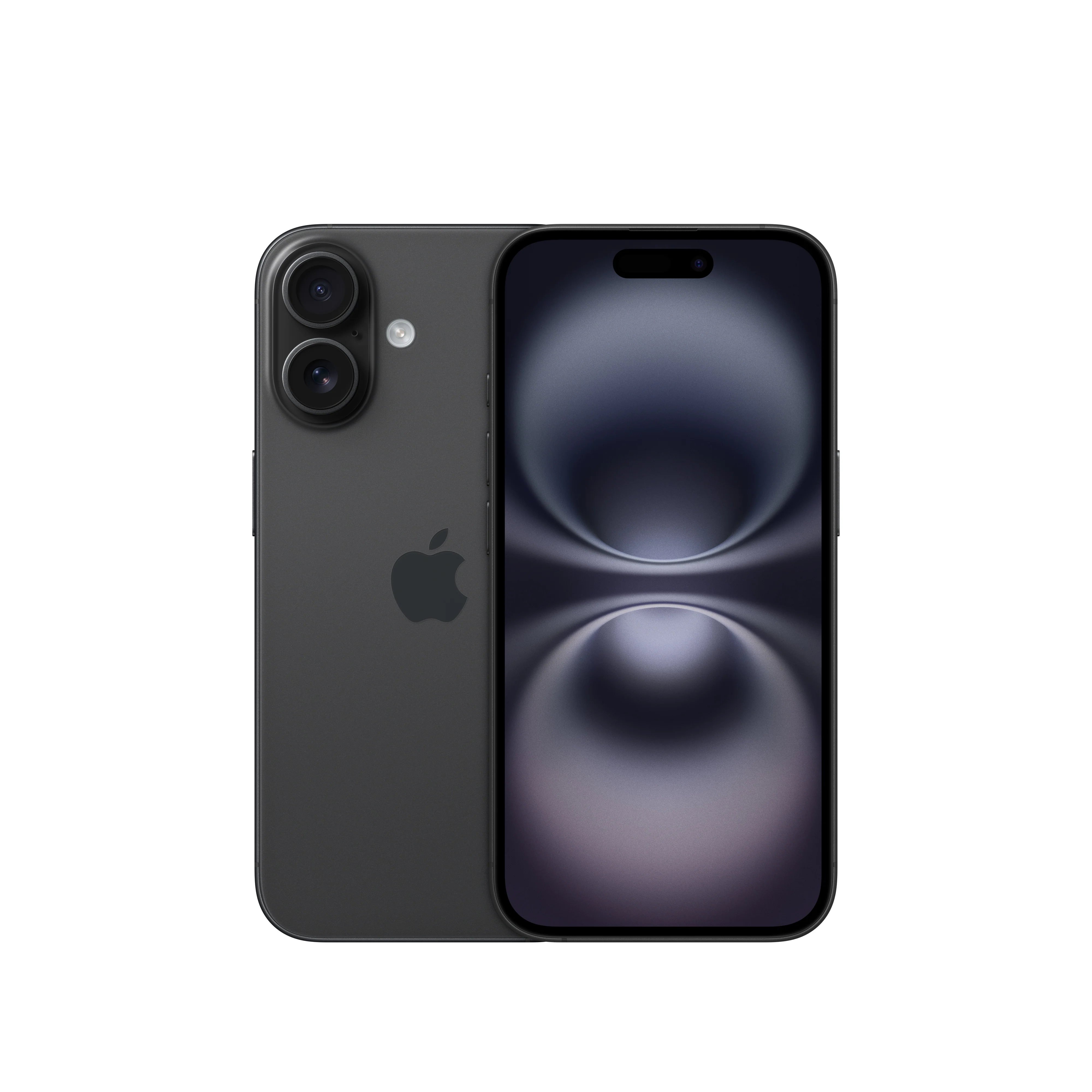
These devices are:
- Configured and managed by Technology Services
- Enrolled in mobile device management (MDM)
- Secured according to institutional policies
- Enabled for email, Microsoft Teams, and other approved applications
Personal Devices
Personally owned devices and non-standard platforms (including Android devices) are not issued or supported for enterprise access.
However, these devices may:
- Connect to guest or internal Wi-Fi networks (as permitted)
- Access publicly available resources
Lost or Stolen Devices
Lost or stolen devices must be reported immediately to the Help Desk.
Technology Services may:
- Remotely lock the device
- Perform a secure wipe
- Disable access to organizational systems
Support
Technology Services provides full support for issued mobile devices, including:
- Device setup and enrollment
- Troubleshooting email and Teams access
- Security and compliance assistance
- Replacement and upgrade coordination
Here are some common problems that you are able to put in a ticket for:
For other problems, submit a request through the IT Service Portal or contact the Help Desk.
Stony Brook Medicine Mobile Instructions
Wi-Fi Instructions:
Microsoft Authenticator for Multi-Factor Authentication (MFA) Instructions:
Stony Brook Medicine Outlook Email Instructions: